• FEATURED STORY OF THE WEEK

      H200 Server Optimization: Best Practices for Batch Size, Precision, and Performance Monitoring

      Written by :  
      semifly
      Team Semifly
      4 minute read
      July 28, 2025
      Category : Cybersecurity
      H200 Server Optimization: Best Practices for Batch Size, Precision, and Performance Monitoring
      Why H200 Server Optimization Matters for AI Workloads


      Buying the world’s most powerful GPU doesn’t guarantee performance—especially in modern AI workloads. Many teams invest in NVIDIA’s H200 but underutilize it. Why? Because server performance today is shaped more by how you configure the hardware than what’s on the spec sheet.


      Common mistakes include:


      • Poor batch sizing
      • Suboptimal memory usage
      • Misuse of precision modes (like sticking to FP16 when FP8 is optimal)


      The H200 GPU, with 141 GB HBM3e memory, 5.2 TB/s bandwidth, and Gen 2 Transformer Engine, delivers exceptional power, but only if you tune it right.


      That’s where Semifly steps in. We provide pre-optimized DGX-H200 clusters preloaded with:


      • NVIDIA Triton Inference Server
      • NeMo framework
      • Memory profiling tools and dashboards


      These help AI teams unlock true throughput without the trial and error.
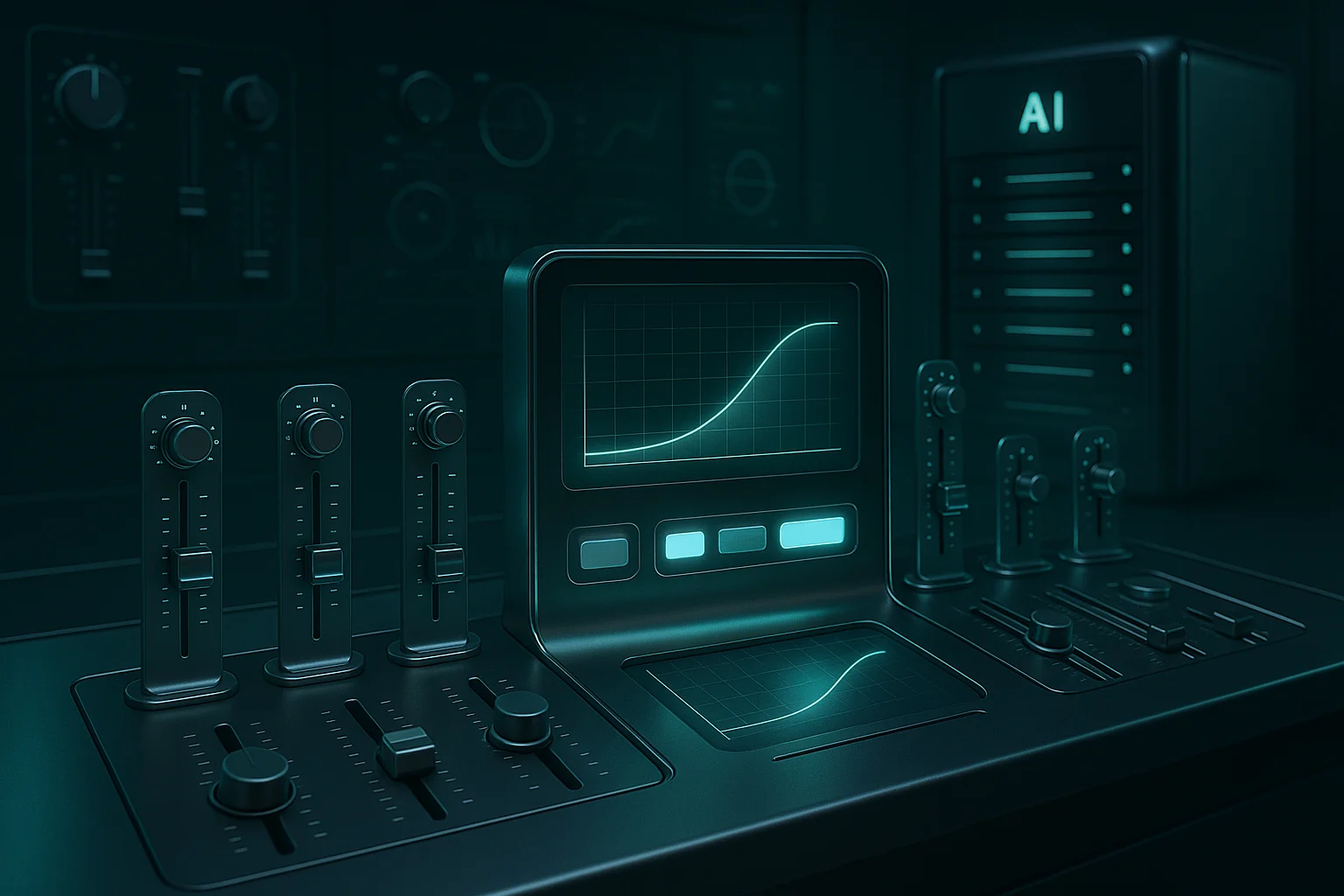
       

      Futuristic control room interface adjusting AI batch sizes with real-time performance graphs and glowing H200 GPU activity


      Why Use LLaMA 13B to Benchmark H200 Optimization?


      We use Meta’s LLaMA 13B model to benchmark performance across batch size, memory, and precision settings. Why this model?


      • It’s large enough (13 billion parameters) to stress memory bandwidth and FP8 execution.
      • It fits on a single H200, avoiding the complexities of multi-GPU coordination.
      • It reflects real-world use cases, including:
        • RAG-based systems
        • Domain-specific chatbots
        • On-prem inference


      Plus, LLaMA 13B is freely available on HuggingFace, supports both FP16 and FP8, and is frequently searched—making it perfect for high-intent technical readers.


      How to Optimize Batch Sizes on H200 for Maximum Throughput


      Batch size refers to how many inputs (like token sequences) are processed simultaneously. Larger batches generally increase throughput, but they also consume more memory. The key is to find the sweet spot.


      Table 1 – Batch Size vs Throughput vs Latency (LLaMA 13B on H200)

      Batch Size Tokens/sec Latency (ms) GPU Utilization
      8 9,500 120 78%
      16 11,200 105 90%
      32 11,600 102 94%


      Beyond batch size 32, the performance gain flattens, while memory usage increases sharply. That’s when thrashing can begin, when memory gets repeatedly overwritten and reclaimed, reducing efficiency.


      Why Use Mixed Precision (FP8/FP16) on H200 Servers?

       

      Side-by-side neural networks visualizing FP16 and FP8 precision modes with memory and latency overlays in digital space


      Precision refers to the data type used in GPU computation. Lower precision formats like FP8 use fewer bits and consume less memory, which allows for:


      Larger batches

      Lower latency

      Faster training and inference


      The H200’s Gen 2 Transformer Engine is built specifically for FP8 workloads. Here’s how it compares:


      • FP16 model size: ~26 GB
      • FP8 model size: ~15 GB


      This difference opens up capacity for larger context windows, more concurrent users, or just smoother throughput.


      Semifly ships H200 clusters with FP8-ready software stacks like:


      Triton Inference Server

      NeMo framework for LLM tuning and deployment


      How to Monitor and Optimize GPU Memory on H200


      Monitoring memory saturation is critical—especially when running large models. If memory use exceeds GPU limits, the model begins to “thrash,” causing:


      • Reduced throughput
      • Higher latency
      • More frequent memory swaps


      Here’s a quick PyTorch snippet to monitor memory:

      python

      import torch
      print(“Max Memory Used (GB):”, torch.cuda.max_memory_allocated() / 1e9)


      Other tools include:

      • NVIDIA SMI for GPU-level telemetry
      • Triton Inference metrics
      • Semifly’s observability dashboards that map GPU usage to cost-per-inference


      Learn more: AI Infrastructure Consulting from Semifly

       

      Exploded H200 GPU view showing dynamic memory usage blocks with heatmap glow and real-time GPU utilization metrics


      H100 vs H200 for AI Optimization, What’s the Real Difference?


      Here’s how the optimization headroom of H200 compares to its predecessor.


      Table 2 – Optimization Flexibility Comparison


      Feature H100 H200
      Memory Capacity 80 GB 141 GB
      Memory Bandwidth 3.35 TB/s 5.2 TB/s
      Max Batch Size (13B) ~16 ~32–48
      FP8 Support Gen 1 Gen 2
      Inference Speed (13B) ~7,200 t/s ~11,800 t/s


      Insight:
      With H200, memory is no longer the bottleneck. You get more flexibility in tuning models for speed, latency, and user concurrency.


      How Semifly Helps Enterprises Unlock H200’s Full Potential


      Semifly goes beyond hardware delivery. We help AI teams extract maximum ROI from their infrastructure.


      Included in our offering:


      • Pre-deployed DGX-H200 clusters
      • Support for FP8/FP16 tuning across frameworks
      • Memory profiling dashboards to spot bottlenecks
      • Batch size optimization playbooks


      CTA:
      Want to optimize your H200 cluster for peak throughput?
      Request a memory profiling session to tune batch size, model precision, and performance per workload.
       

      Bookmark me
      Share on
      Comments
      Add your Comment

      Writing About AI

      Semifly

      is an engineer and a technologist with a diverse background spanning software, hardware, aerospace, defense, and cybersecurity. As CTO at Semifly, he leverages his extensive experience to lead the company’s technological innovation and development.

      Explore Nvidia’s GPUs

      Find a perfect GPU for your company etc etc
      Go to Shop

      FAQs

      • Optimising NVIDIA H200 servers for AI workloads primarily involves three key areas: intelligent batch sizing, efficient use of mixed precision (specifically FP8/FP16), and diligent GPU memory monitoring and management. These elements are crucial for maximising throughput and ensuring the H200’s powerful capabilities are fully utilised, rather than underutilised due to suboptimal configurations.

      • Batch size optimisation is critical because it directly impacts throughput and memory consumption. While larger batches generally increase throughput by processing more inputs simultaneously, excessively large batches can lead to “memory thrashing” – where memory is repeatedly overwritten and reclaimed, reducing efficiency. For the LLaMA 13B model on an H200, the optimal batch size for maximum throughput without thrashing appears to be around 32. Beyond this point, performance gains flatten, and memory usage sharply increases.

      • Mixed precision, particularly the use of FP8, significantly benefits H200 server performance by reducing memory usage and enabling faster operations. FP8 (8-bit floating point) uses fewer bits than FP16 (16-bit floating point), leading to smaller model sizes (e.g., LLaMA 13B at ~15 GB in FP8 vs. ~26 GB in FP16). This reduction in memory footprint allows for larger batch sizes, supports larger context windows, reduces latency, and facilitates faster training and inference. The H200’s Gen 2 Transformer Engine is specifically designed to leverage FP8 workloads efficiently.

      • Poor GPU memory management on H200 servers can lead to several performance bottlenecks. If memory usage exceeds the GPU’s limits, the system can experience “thrashing,” which results in significantly reduced throughput, increased latency, and more frequent memory swaps. This undercuts the server’s efficiency and the return on investment in powerful hardware like the H200.

      • The H200 offers significantly more optimisation flexibility compared to its predecessor, the H100. It boasts a substantially larger memory capacity (141 GB vs. 80 GB) and higher memory bandwidth (5.2 TB/s vs. 3.35 TB/s). This allows for much larger optimal batch sizes (up to ~32–48 on H200 for LLaMA 13B compared to ~16 on H100) and features a more advanced Gen 2 FP8 support. These improvements mean that memory is less of a bottleneck on the H200, providing greater headroom for tuning models for speed, latency, and user concurrency.

      • Several tools are recommended for monitoring and optimising GPU memory on H200 servers. These include PyTorch’s torch.cuda.max_memory_allocated() function for quick memory checks, NVIDIA SMI for detailed GPU-level telemetry, and Triton Inference metrics for performance monitoring. Additionally, Semifly provides specialised observability dashboards that can map GPU usage directly to cost-per-inference, offering a comprehensive view for optimisation.

      • Meta’s LLaMA 13B model was chosen for benchmarking H200 optimisation because it serves as an excellent representative of real-world AI workloads. Its 13 billion parameters are sufficient to stress memory bandwidth and FP8 execution, while still fitting onto a single H200 GPU, thus avoiding the complexities of multi-GPU coordination. Furthermore, it supports both FP16 and FP8 precision, is freely available, and reflects common use cases such as RAG-based systems and domain-specific chatbots, making it highly relevant for performance analysis.

      • Semifly assists enterprises in maximising the potential of their H200 clusters by providing pre-optimised DGX-H200 clusters that come with best-in-class frameworks and observability tools. Their offering includes support for FP8/FP16 tuning across various frameworks, memory profiling dashboards to identify and resolve bottlenecks, and batch size optimisation playbooks. This comprehensive approach helps AI teams achieve peak efficiency, eliminate guesswork, and ensure maximum return on investment from their H200 infrastructure.

      More Similar Insights and Thought leadership

      No Similar Insights Found

      semifly
      About Us